AION 2 System Requirements: Can Your PC Run This MMORPG?
Discover the updated AION 2 system requirements for your PC. Learn the minimum and recommended specs to enjoy this stunning Unreal Engine 5 experience.
Published: AION 2 Wiki Editorial Team
Table of Contents
The gaming community has been buzzing with anticipation for the arrival of NC's latest masterpiece, and many are now asking: what exactly are the AION 2 system requirements? Understanding your hardware limitations is the first step toward ensuring a smooth journey through the breathtaking landscapes of this highly anticipated title.
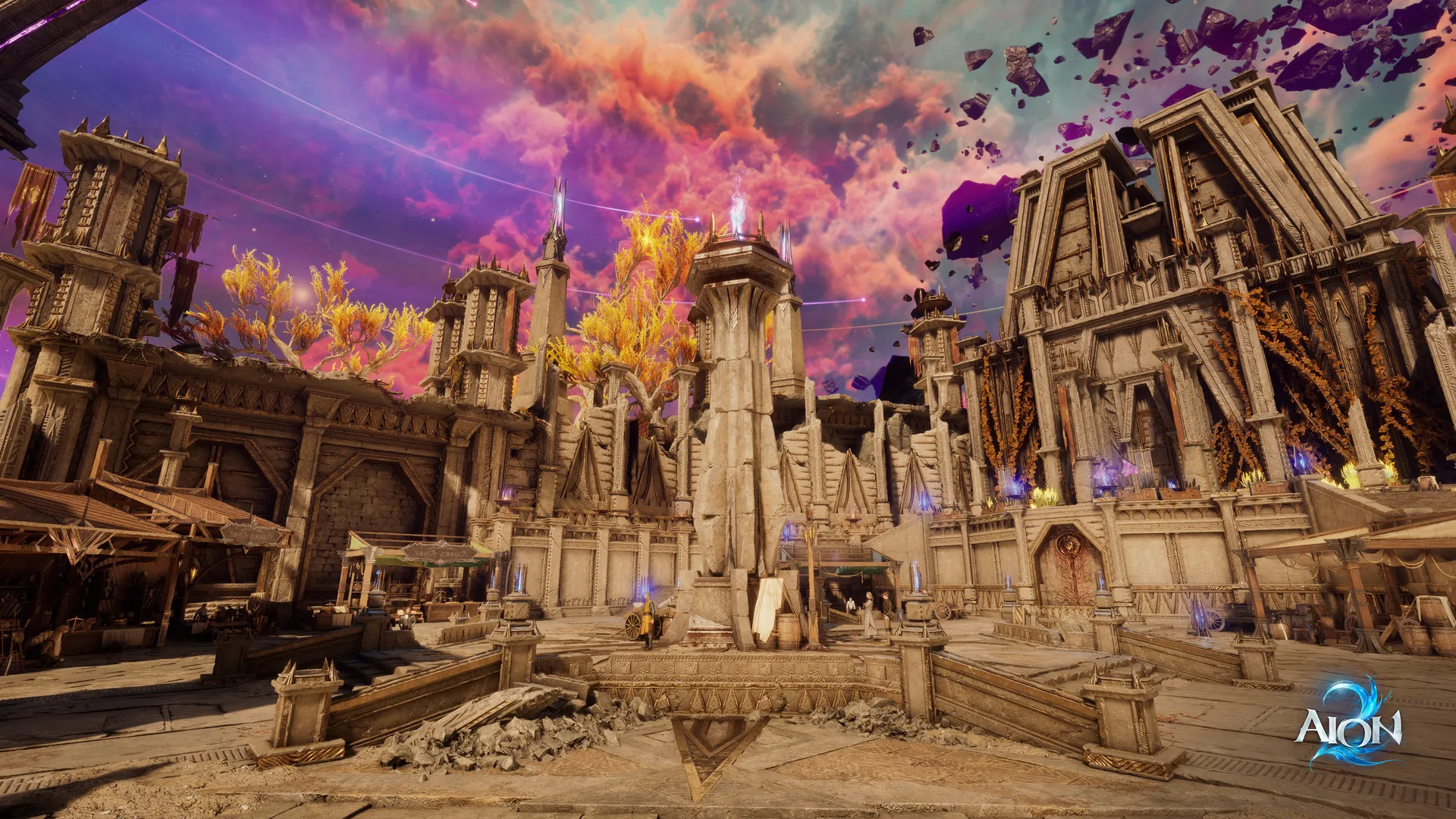
As an Unreal Engine 5 production, the game promises unparalleled graphical fidelity. However, this level of visual ambition often raises concerns about performance. Whether you are a casual player or a competitive veteran, knowing if your current rig can handle the action is essential before the official launch. Let’s dive into the technical details and help you prepare your setup.
Understanding the Latest AION 2 Hardware Standards
Recently, developers provided updated data regarding the AION 2 system requirements, offering a pleasant surprise for many players. The latest specifications reflect a significant optimization effort, making the game accessible to a wider range of hardware configurations than originally anticipated.
According to official developer updates and community benchmarks, the game has been refined to ensure that even mid-range systems can deliver a stable experience. Below is a breakdown of the hardware you need to get started.
Minimum vs. Recommended PC Specifications
To help you gauge your system's readiness, we have categorized the hardware needs based on performance targets for 1080p resolution.
Component
Minimum Requirements (Low Settings)
Recommended Requirements (Medium Settings)
OS
Windows 10/11 (64-bit)
Windows 10/11 (64-bit)
CPU
Ryzen 5 2600 / Intel Core i5-10500
Ryzen 7 3700X / Intel Core i7-11700
RAM
8 GB
16 GB
GPU
NVIDIA GTX 1050 Ti (4GB)
NVIDIA RTX 2070 (8GB)
Storage
100 GB SSD
100 GB SSD
Tip
Storage Optimization
Always install the game on an NVMe SSD. The assets in this title are massive, and running them on an old HDD will cause significant stuttering during zone transitions.
Why Hardware Optimization Matters for UE5 Games
The transition to Unreal Engine 5 means that the game handles lighting and geometry with much higher efficiency, but it places a greater load on your GPU's VRAM and your system's RAM.
Players report that while the game is well-optimized, having the recommended 16GB of RAM is crucial if you intend to run background applications like Discord or web browsers simultaneously. If you find your current system falling short, prioritize upgrading your RAM or moving to a modern SSD before upgrading your graphics card.
Community Insights: Tips for Performance
Based on various community reports, many players have shared their experiences testing the game on different configurations. The consensus is that the developer’s recent reduction in requirements has been a game-changer for budget-conscious gamers.
Performance Tuning Checklist
Update Drivers: Ensure your GPU drivers (NVIDIA or AMD) are updated to the latest version to support UE5 optimizations.
Network Stability: Since this is an MMORPG, your connection is as important as your FPS. Use a wired connection to minimize packet loss.
Background Tasks: Close any unnecessary high-memory processes to keep your system responsive during intense combat.
Setting Category
Impact on Performance
Recommendation
Shadow Quality
High
Set to Medium if FPS drops below 60
Texture Resolution
Medium
Match with VRAM capacity
Field of View
Low
Keep default for stability
Navigating Mobile and Tablet Requirements
Beyond the PC platform, the game is set to offer cross-platform capabilities. Players interested in mobile or tablet play should note that the requirements for these devices are equally specific.
For Android devices, a processor equivalent to the Snapdragon 8 Gen 2 with at least 8GB of RAM is recommended for a high-quality experience. On the iOS side, modern devices starting from the iPhone 14 series are generally recommended to maintain stable frame rates during intensive gameplay sessions.
Frequently Asked Questions (FAQ)
Can I run AION 2 with less than 8GB of RAM?
While the absolute minimum indicates 8GB, for a smooth experience in major cities or large-scale battles, we strongly recommend 16GB of RAM to prevent memory bottlenecks.
Is the 100 GB storage requirement mandatory?
Yes, the game files are quite large due to the high-fidelity assets. Ensure you have at least 100 GB of free space on an SSD to avoid slow loading times.
Will the system requirements change after the global launch?
The developers continuously optimize the game. Keep an eye on the official AION 2 Steam page for any future updates regarding system requirements as the game evolves post-launch.
Does the game support older Windows versions?
The game is optimized for Windows 10 and 11. Support for older versions like Windows 7 or 8 is not guaranteed and is generally discouraged due to security and performance limitations.