AION 2 Taiwan Access Guide: How to Play and Optimize Ping
Discover how to access AION 2 Taiwan servers with our comprehensive guide. Learn about registration, client setup, and ping optimization for the best experience.
Published: AION 2 Wiki Editorial Team
Table of Contents
The anticipation surrounding the release of AION 2 is reaching a fever pitch, with many players eager to jump into the action. If you are looking for the most efficient way to access AION 2 Taiwan servers, understanding the regional requirements and technical setup is crucial for a smooth gaming experience.
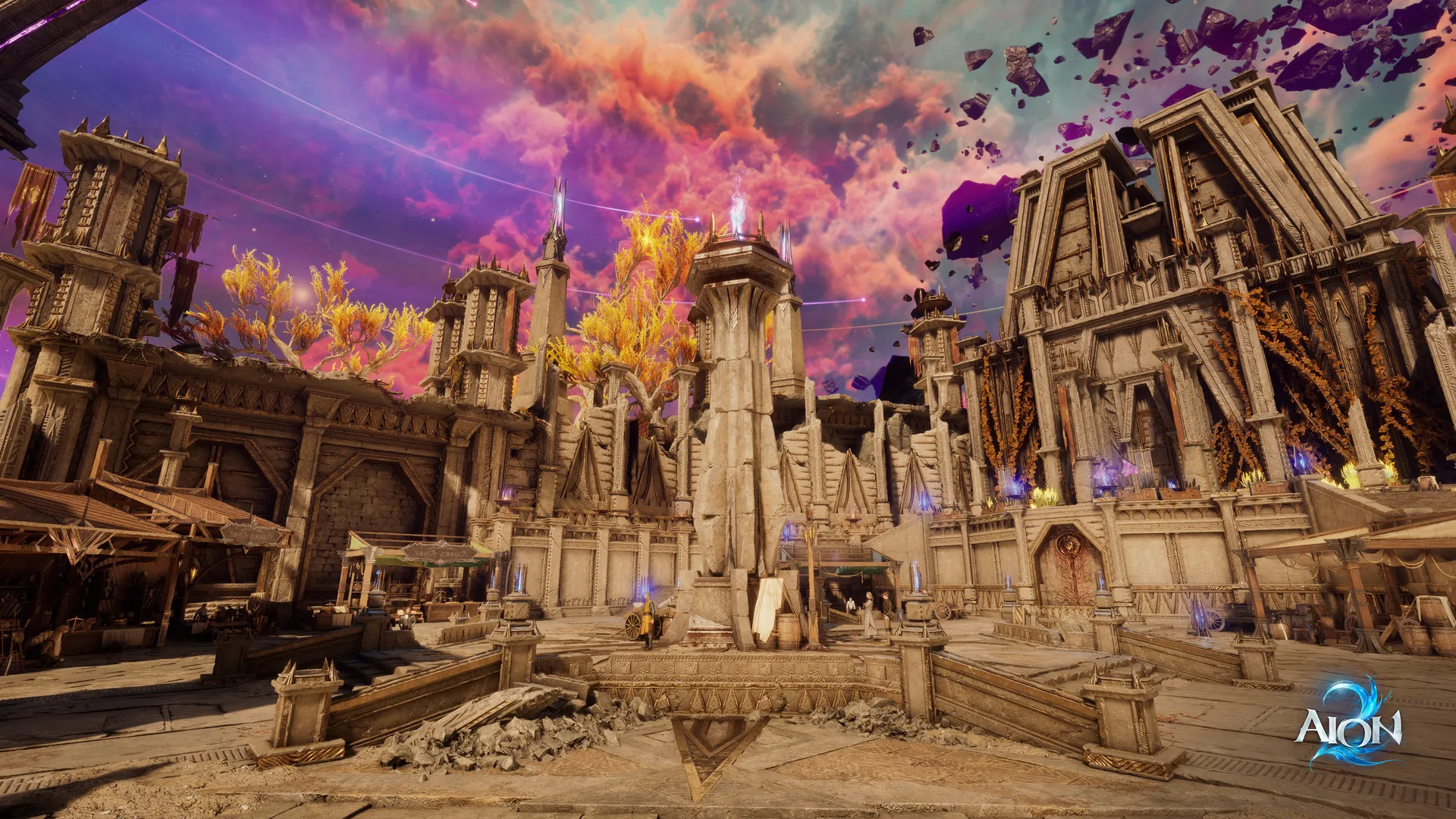
In this guide, we break down everything you need to know about navigating the launch of AION 2, from account creation to utilizing network accelerators. Whether you are a veteran of the original series or a newcomer drawn by the Unreal Engine 5 enhancements, getting your setup right from day one is the key to mastering the battlefield.
Understanding the AION 2 Regional Landscape
The launch of AION 2 has sparked significant discussion within the global gaming community, particularly regarding regional differences in server access and pre-registration rewards. While the global release is on the horizon, many players are exploring the Taiwan and Korea servers to get a head start.
It is important to note that accessing these servers involves specific regional requirements. According to community reports, players often encounter access restrictions if their account registration does not align with the target region.
Region
Access Method
Key Requirement
Taiwan
NC Purple Client
Email registration (Taiwan locale)
Korea
NC Purple Client
Valid Korean phone number
Global
Steam/Official Launch
Pending official release date
As highlighted in official information from NC, the game features significant improvements, including free flight, underwater exploration, and a sophisticated combat system powered by Unreal Engine 5.
Step-by-Step: Registering for AION 2 Taiwan
To play AION 2 on the Taiwan servers, the registration process must be handled with precision. Deviating from the recommended steps can lead to regional locking, which prevents you from accessing the game client.
Essential Registration Workflow
Navigate to NCSoft Login: Visit the official NCSoft account page.
Select Email Registration: Avoid using quick-login options like Facebook, Google, or Steam, as these may carry your current regional data.
Choose Taiwan Region: When prompted for your current location, strictly select Taiwan. This ensures your account is tethered to the correct server cluster.
Email Verification: Complete the verification process using a personal email address to finalize your account.
Warning
Avoid Quick Sign-Up Options
Using third-party sign-up methods like Steam or Facebook can automatically lock your account to your current geographical IP address, making it impossible to access the Taiwan or Korea servers.
Optimizing Your Connection with Network Accelerators
Even after successfully registering and downloading the game via the NC Purple client, international players often face high latency or server disconnection errors. This is primarily due to regional routing issues.
Many players in the community recommend using a dedicated game accelerator like Gear Up. Unlike a standard VPN, these tools are designed to optimize routing specifically for gaming traffic, which is essential for the fast-paced, "post-hit judgment" combat system found in AION 2.
Why Use a Network Accelerator?
Lower Ping: Specialized nodes reduce the distance data travels, minimizing latency.
Bypass Restrictions: These tools can help stabilize the connection if you encounter regional server disconnection errors.
Stability: They prevent the "jitter" that is often fatal in competitive PvP scenarios.
Mastering Gameplay: What to Expect
AION 2 is not just a visual upgrade; it introduces mechanics that redefine the classic AION experience. The game emphasizes fluid movement and tactical depth, requiring players to adapt their strategies in real-time.
Core Gameplay Mechanics
Free Flight & Gliding: Enhanced mobility across sky, land, and water.
Advanced Customization: Over 200 options for character creation to ensure your avatar is unique.
Dynamic Combat: Real-time combat that rewards precise positioning and skill combo timing.
Feature
Description
Strategic Benefit
Post-hit Judgment
Combat outcomes are decided by last-second skill usage.
High-skill ceiling for competitive play.
Spatial Mobility
Flight and underwater exploration.
Allows for complex flanking and tactical maneuvers.
Dungeon Variety
Solo, party, and large-scale raids.
Diverse progression paths and rewards.
Community Insights and Common Pitfalls
The AION 2 Steam discussion boards have been a hub for players debating the merits of the Taiwan servers versus waiting for the global release. A common point of contention is the value of "Founder Packs" versus the free pre-registration rewards available in the Taiwan region.
Common Player Mistakes
Ignoring Region Settings in Purple: Ensure your NC Purple client is set to "Taiwan" rather than "Global" after logging in.
Language Settings: If the game launches in a non-English language, check the settings menu (usually the third section in the top navigation) to toggle the display language.
Device Registration: You may be required to register your device using a phone number. This is a one-time security measure to ensure account integrity.
Frequently Asked Questions (FAQ)
Can I play AION 2 on Steam right now?
The Steam version (AppID: 3393110) is the verified hub for the game, but availability depends on your region and the official launch schedule. Always check the official store page for the most accurate release information.
Do I need a VPN to play AION 2 Taiwan?
While you might technically bypass the initial login, a network accelerator like Gear Up is highly recommended to fix routing issues, reduce ping, and prevent constant disconnections during gameplay.
Are the pre-registration rewards for Taiwan available globally?
Community reports suggest that rewards differ by region. Pre-registration bonuses for the Taiwan server are typically exclusive to that region's launch event and cannot be transferred to other server versions.
How do I fix the "disconnection from login server" error?
This error is usually caused by regional access restrictions. Using a dedicated game accelerator to boost your connection to the Taiwan server node is the most effective way to resolve this issue.