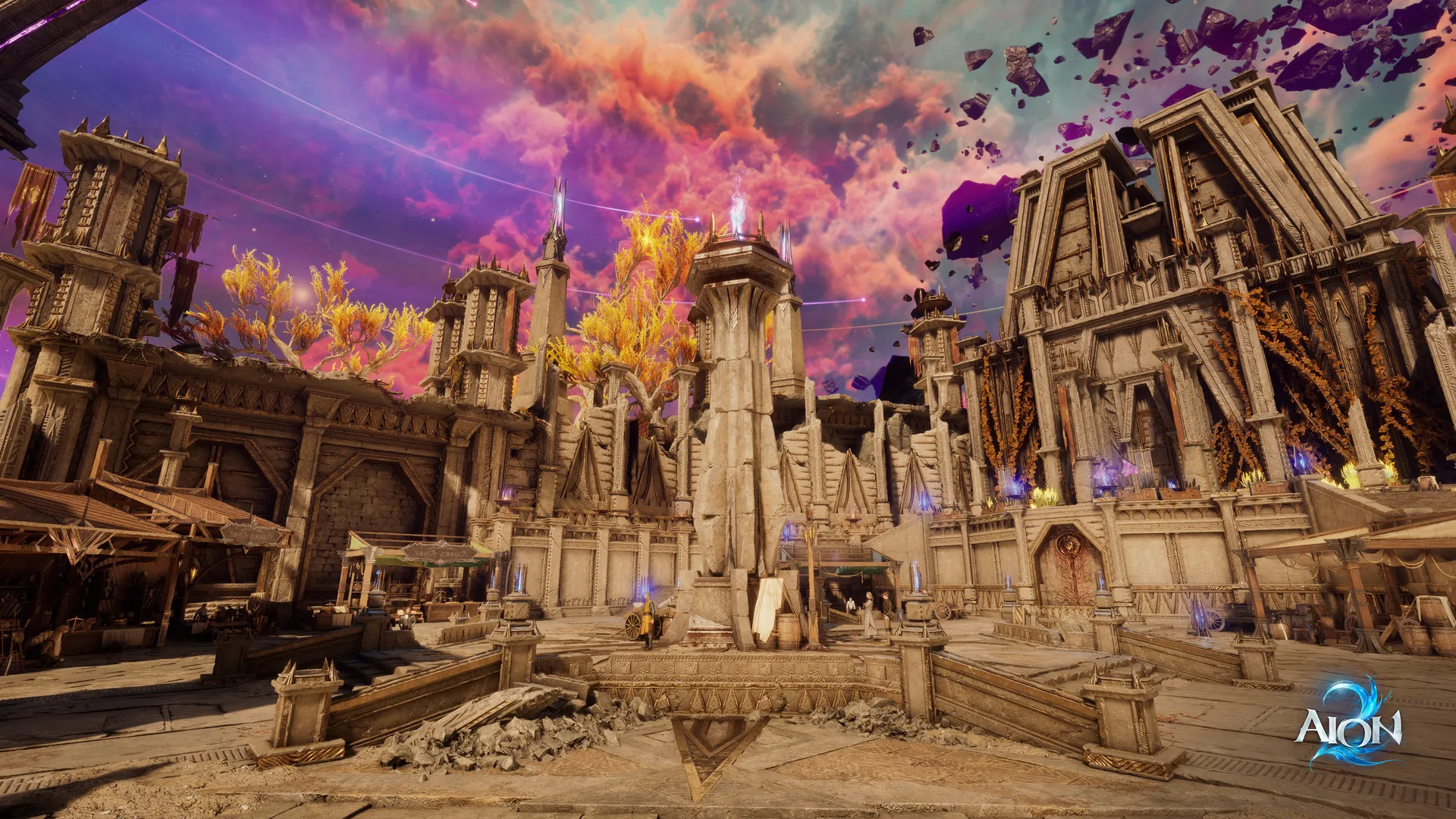
AION 2 Playtest Times: Complete Schedule and Access Guide
Get the latest AION 2 playtest times and expert tips for the global scale test. Discover how to pre-load, maximize your playtime, and prepare for launch.
Published: AION 2 Wiki Editorial Team
Table of Contents
The wait for the next evolution in the iconic MMORPG franchise is reaching a fever pitch as developers finally open the gates for the community. If you are tracking the latest AION 2 playtest times, you are likely ready to dive into a massive, Unreal Engine 5-powered world that promises to redefine aerial combat. Understanding the specific scheduling for this stress test is critical, as the limited window requires precision and preparation to ensure you don't miss a single minute of the action.
This guide provides everything you need to navigate the global testing phase successfully. By knowing exactly when servers go live and how to handle technical setups, you can spend less time troubleshooting and more time exploring the expanded world of Atreia.
Understanding the AION 2 Playtest Schedule
Because this event serves as a critical server infrastructure stress test, NC has implemented a strict, time-gated schedule. According to official reports, the goal is to concentrate the player base into specific windows to evaluate network stability under high concurrency. Failing to align your local clock with these time zones is a common mistake that players often face.
The following table provides the universal schedule for the two-day testing event:
Day
Region
Time Window
Day 1
United States (EDT)
9:00 AM - 3:00 PM
Day 1
Central Europe (CEST)
3:00 PM - 9:00 PM
Day 2
United States (EDT)
3:00 PM - 9:00 PM
Day 2
Central Europe (CEST)
9:00 PM - 3:00 AM (Sat)
Tip
Plan Your Session
Since the servers are only active for 6 hours per day, use a global time converter to double-check your local start time. Being logged in 10 minutes early can help you avoid potential login queues during the initial server rush.
How to Access the Playtest Client
Accessing the build is straightforward, but there are distinct pathways depending on your preferred launcher. NC has removed traditional barriers like closed beta keys, meaning the test is open to everyone interested in seeing the game's progress.
Steam vs. PURPLE Launcher
Steam: Navigate to the official AION 2 Steam store page. Locate the playtest module and click "Request Access."
PURPLE: Open the PURPLE launcher, select the title from your library, and ensure your region is set to "Global."
Warning
Storage Management
This build requires approximately 80GB of disk space. Ensure your installation is on an SSD to minimize loading screen times, as the game’s scale in Unreal Engine 5 can lead to performance degradation on older mechanical hard drives.
Gameplay Restrictions and Expectations
As this is a technical stress test rather than a final product showcase, certain features have been disabled. Community reports indicate that players should treat this as a "snapshot" of the game's foundation.
Feature
Status
Note
Level Cap
Level 37
Endgame raids are currently inaccessible.
Economy
Disabled
No auction house or P2P trading available.
Microtransactions
Disabled
Cash shop, Quna, and passes are turned off.
Progression
Temporary
All character data will be wiped post-test.
While the level 37 cap prevents access to high-end raids, it is more than sufficient for testing combat mechanics, flight controls, and early-tier group dungeons. Use this time to experiment with the advanced character customization and find your preferred class playstyle before the global launch.
Maximizing Your Testing Experience
To get the most out of your limited hours, focus on the gameplay elements that matter most. Since progression is wiped, don't worry about "min-maxing" for long-term gear. Instead, focus on the systems that feel unique.
Aerial Combat Mastery: Flight is no longer just travel; it’s a tactical tool. Practice initiating combat while airborne to get a feel for the 3D positioning required for victory.
Performance Tuning: If you notice stuttering, check your DirectX 12 settings. Unreal Engine 5 requires updated GPU drivers to handle the density of faction events effectively.
Community Engagement: Join the official AION 2 Discord to report any bugs or server hiccups you encounter. Stress tests rely heavily on player feedback to identify bottlenecks.
According to player experience reports, many veterans used the recent test to practice leveling routes. With a bit of optimization, hitting the level 37 cap on the first day is entirely feasible, leaving the second day open for dungeon exploration and faction PvP.
Post-Test Procedures
Once the testing period ends, you must perform a clean sweep of your system. A common error many players encounter is attempting to update the playtest client into the full retail version.
Uninstall the Playtest Build: Once the servers go dark on Friday, delete the current client entirely.
Fresh Installation: For the official launch, you will need to download the final retail client. Attempting to keep the test files can lead to launcher path conflicts and corrupted game data.
FAQ: AION 2 Playtest Questions
Q: Do I need to register or provide a key to play?
A: No, the scale test is open to everyone. Simply visit the official Steam or PURPLE pages to download the client without needing an invite or pre-order.
Q: Will my character progress carry over to the official launch?
A: No. All progress, levels, and loot will be wiped once the test concludes. The primary purpose is server stress testing.
Q: Why are the AION 2 playtest times so limited?
A: The limited 6-hour windows are designed to concentrate the maximum number of players onto the servers simultaneously. This helps developers identify and fix stability issues that only occur during peak traffic.
Q: Can I play with a controller or a joystick?
A: AION 2 emphasizes precise positioning and timing. While keyboard and mouse remain the standard for high-level competitive play, ensure your input devices are configured prior to the server opening to avoid any issues during the short testing window.