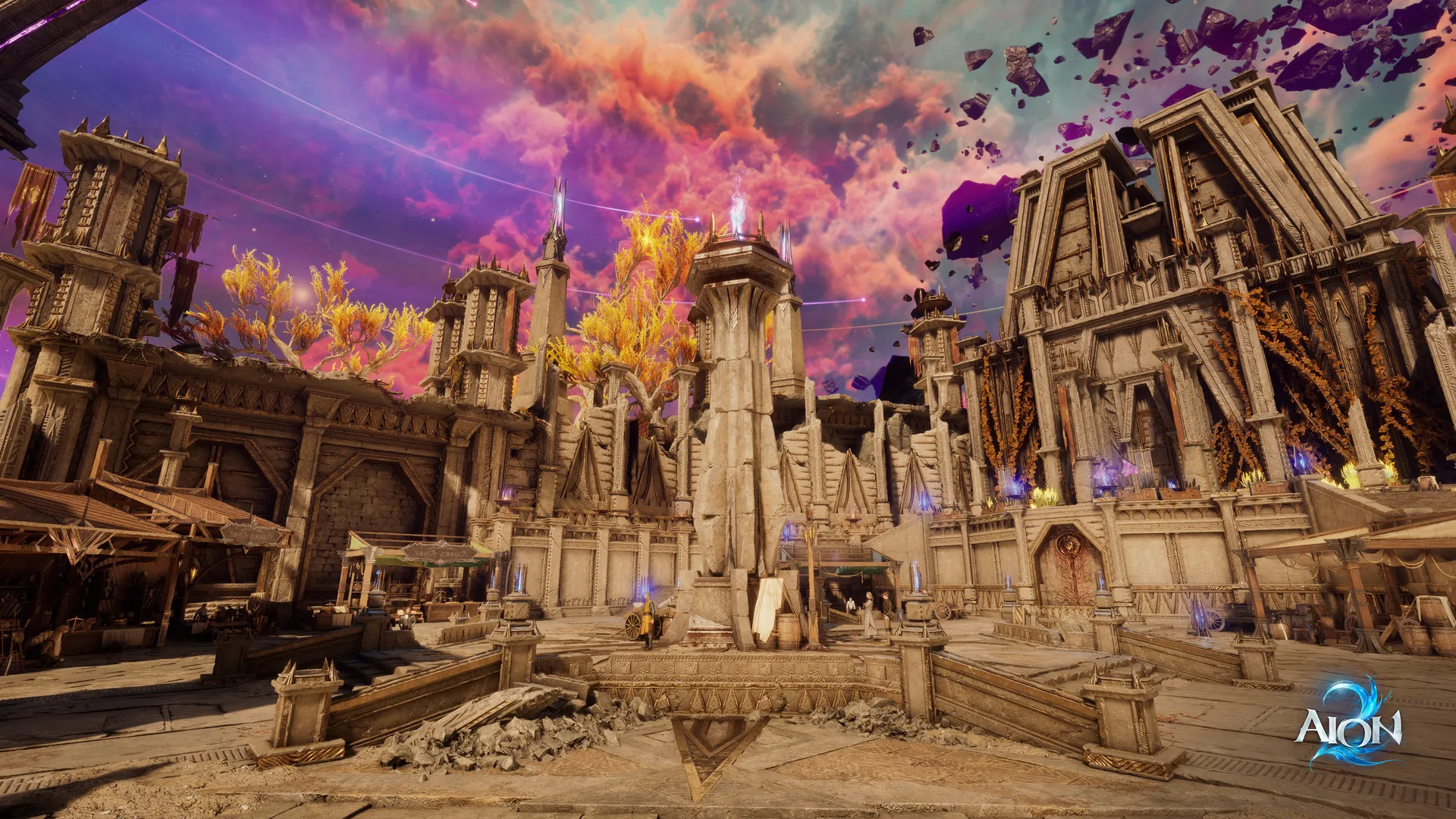
AION 2 Playtest Server Status: How to Check and Fix Connection Issues
Stay updated on the AION 2 playtest server status. Learn how to troubleshoot connection errors, optimize performance, and prepare for the global launch.
Published: AION 2 Wiki Editorial Team
Table of Contents
Understanding the AION 2 Playtest Server Status
For fans of the legendary MMORPG franchise, the latest testing phases for the highly anticipated sequel are a critical moment. If you have been searching for the AION 2 playtest server status, you likely want to know if you can jump into the game right now or if there are ongoing maintenance windows blocking your path. Navigating server-side instability is part of the testing experience, but understanding how to verify the connection status is the first step in ensuring your gaming time isn't wasted.
The AION 2 playtest server status can change rapidly during stress tests, as developers frequently cycle between active sessions and maintenance to address network load. Because this is a pre-release phase, knowing where to find official, real-time information—such as the official AION 2 Steam store page—is essential for every player looking to secure their spot in the world of Atreia.
Why Server Connectivity Matters During Stress Tests
Stress tests are designed to push infrastructure to its absolute limit, often resulting in temporary downtime or queue surges. Unlike a final retail launch, these tests are ephemeral. According to community reports, recent tests saw upwards of 73,000 concurrent players, demonstrating the massive interest in the title. When you face login errors, it is rarely a simple glitch; it is usually the result of the system managing thousands of simultaneous connection requests.
Potential Status
What It Means
Recommended Action
Online
Servers are stable
Proceed to character selection
Maintenance
Planned downtime
Check official news for end time
Instability
High traffic spikes
Wait 15 minutes before retrying
Client Mismatch
Version conflict
Update your game via Steam/PURPLE
Understanding that the AION 2 playtest server status is tied to specific regional windows is crucial. In many cases, if you cannot log in, you might be attempting to connect during a time when the servers are officially gated or offline for regional maintenance.
Troubleshooting Common Connection Errors
If you have confirmed that the servers are marked as "Online" but you still cannot connect, the issue likely lies within your local setup or the launcher interface. Many players mistakenly assume a connection failure is server-side when it is actually a background process or file integrity issue.
Following these diagnostic steps can often resolve the most common "invisible" barriers:
1. Launcher and Session Refresh
If you leave your Steam or PURPLE launcher open for extended periods, the authentication token can expire. Always perform a clean restart of your launcher before trying to connect to the game servers.
2. Verify File Integrity
During a test phase, game files are frequently patched. If you encounter a crash upon hitting the "Play" button, your client may have missing or corrupted files.
For Steam Users: Right-click the game in your library > Properties > Installed Files > Verify integrity of game files.
For PURPLE Users: Use the "Game Settings" menu to initiate an automatic file scan.
3. Firewall and Network Permissions
Security software often flags new game executables as a potential threat. Ensure that the game client and your launcher are explicitly whitelisted in your Windows Firewall settings.
Optimizing Your Connection for Competitive Play
Even when the AION 2 playtest server status is green, ping and jitter can ruin your experience. MMORPGs, especially those with aerial combat, require low latency to perform effectively. Many veterans utilize network optimization tools to ensure the most direct path to the data centers.
Tip
Pro Connection Tip
Always prefer a wired Ethernet connection over Wi-Fi during testing phases. Wi-Fi instability is the leading cause of "ghost" disconnections during heavy combat sequences in high-population areas.
Connection Issue
Likely Cause
Solution
High Latency (Ping)
Routing inefficiency
Use a gaming-focused VPN or route optimizer
Packet Loss
Network jitter
Switch to a wired connection
Sudden Disconnect
ISP throttling
Flush your DNS cache
Preparing for Global Release
The current test phases are not just about finding bugs; they are about preparing your character progression strategy. Because data from playtests is usually wiped prior to the full launch, focus on learning class mechanics, quest flows, and movement systems rather than hoarding gear.
As noted by community players, the shift from regional subscription models to a global, free-to-play friendly environment means that the upcoming launch will likely feature different economy adjustments. Use your time in the test to explore the crafting systems and the new Unreal Engine 5 environments. This familiarity will grant you a massive advantage when the retail servers go live and the race to the endgame begins.
Final Steps for Playtest Participants
Once your session concludes, do not leave the test client on your hard drive. As the developers prepare for the final retail deployment, the playtest build will become obsolete. Leaving it installed can lead to "pathing errors" when you attempt to download the final game.
[!WARNING]
The Total Uninstall Rule
Once the testing window closes, completely uninstall the Playtest build. This prevents file conflicts with the final version of the game that you will download for the official launch.
Frequently Asked Questions (FAQ)
Q1: Is there a way to check the AION 2 playtest server status in real-time?
Yes, the best method is to monitor the official Steam Community Hub for the game. Developers post specific maintenance windows and status updates there directly.
Q2: Why am I getting a "Server Offline" message during the testing window?
It is likely that you are attempting to connect outside of the scheduled regional testing hours. Verify the time zone conversions for your specific region, as these tests are often time-gated to ensure high server density.
Q3: Will my character progress from the playtest carry over?
No. All progression, including levels, items, and character customization, will be wiped following the conclusion of the test. Focus on testing game mechanics and exploring rather than long-term progression.
Q4: Should I use a VPN to check the AION 2 playtest server status?
While not strictly required, some players use connection optimizers to stabilize their routes to the game servers. If you are experiencing high latency despite a stable home connection, these tools can provide a more direct path to the data center.