AION 2 Taiwan Download Guide: How to Get Started in 2026
Looking for an AION 2 Taiwan download guide? Discover the step-by-step process to set up your account, install the Purple launcher, and optimize your ping.
Published: AION 2 Wiki Editorial Team
Table of Contents
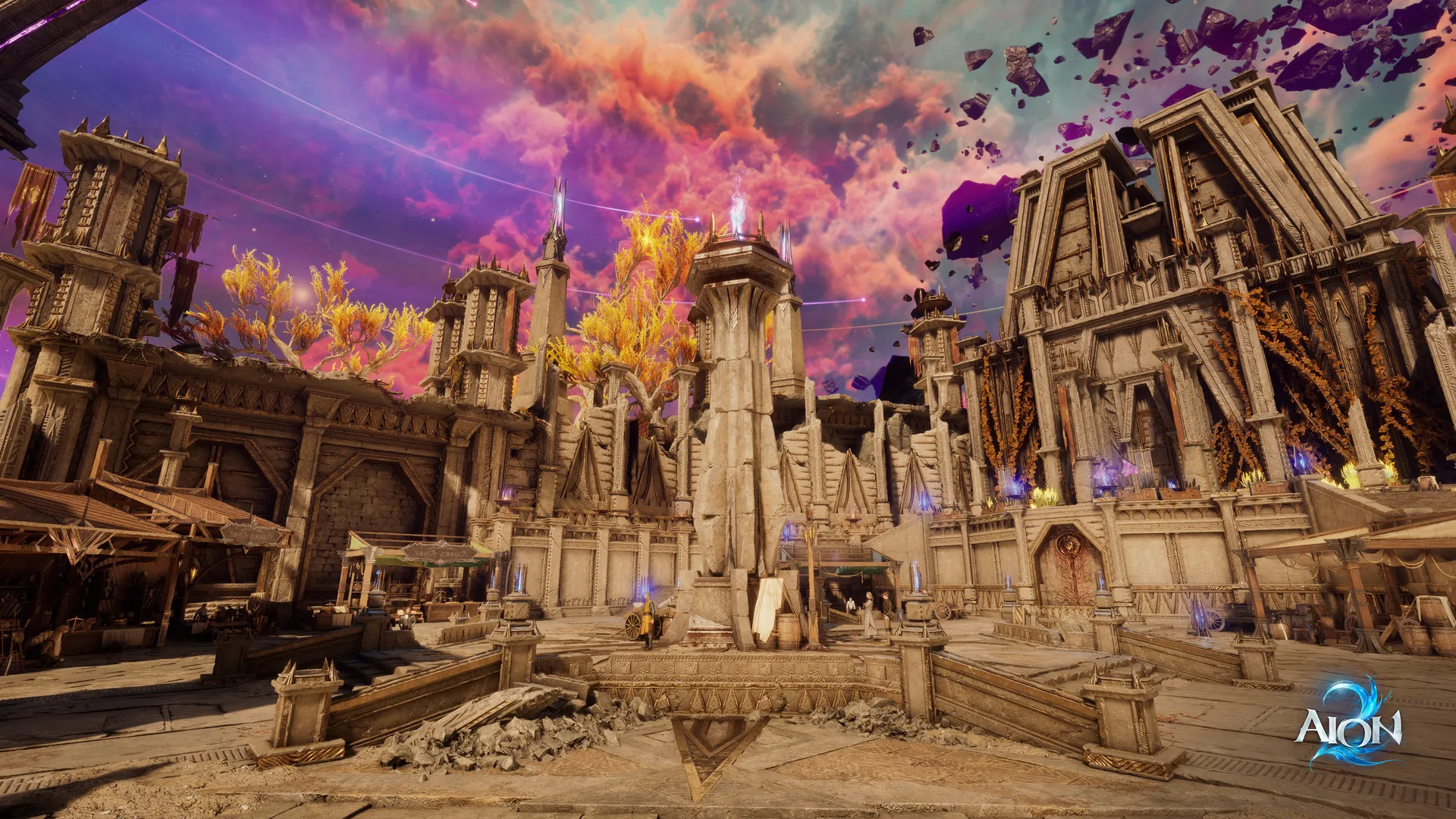
The wait is finally over for fans of the franchise, as the highly anticipated sequel arrives with breathtaking Unreal Engine 5 visuals. If you are eager to jump into the action, securing an AION 2 Taiwan download is the first step toward exploring the expanded world of Atreia. This guide will walk you through the entire process, ensuring you can bypass regional hurdles and start your adventure smoothly.
Understanding the technical requirements is essential for a seamless launch day experience. By following these verified steps, you can avoid common account locking issues and ensure your connection is optimized for the best possible performance.
Why Choose the Taiwan Server for AION 2?
Many international players prefer the Taiwan version of the game for several strategic reasons. Unlike some other regional clients, the Taiwanese version is highly accessible for English-speaking players and often serves as a central hub for the global community.
Benefit
Description
Accessibility
No complex phone verification required for Taiwanese accounts.
Community
High concentration of English-speaking players and international guilds.
Stability
Dedicated local servers provide a robust foundation for large-scale PvP.
Support
Consistent updates and clear paths for international login support.
As noted by various community reports, selecting the right region during your initial NCSoft account registration is the most critical factor. If you choose the wrong region or use a quick-login method like Facebook or Steam, you risk being locked into a region that prevents you from accessing the server you desire.
Step-by-Step: Account Registration and Setup
To begin your AION 2 Taiwan download, you must first establish a clean NCSoft account. Following the correct procedure ensures your regional settings are configured correctly from the start.
Create a Dedicated Email: Use a fresh Gmail account. Avoid using existing social media logins, as these carry regional metadata that can cause access restrictions.
Select Taiwan: During the signup phase, specifically choose "Taiwan" as your region. This is the key to accessing the correct client version.
Email Verification: Complete the verification steps sent to your new email address to finalize your account identity.
Tip
Avoid Quick Sign-up Options
Never use "Sign up with Facebook" or "Steam" when creating your account. These options automatically detect your current IP's regional data, which may prevent you from selecting Taiwan. Always use the manual email registration process.
Installing the Purple Launcher
The Purple launcher is the gateway to all NCSoft titles. Once your account is verified, you need to configure the launcher to see the AION 2 content.
Configuration Checklist
Ensure your browser is logged into the new Gmail account before opening the launcher.
Set the launcher region to "Global" or "Taiwan" as prompted during the setup.
If you cannot see the game, log out of the launcher, clear your browser cache, and log back in using the email-first method.
Setup Stage
Action Required
Download
Install the latest Purple client from the official NCSoft website.
Login
Use your newly created email credentials.
Detection
Navigate to the "Store" or "Game" tab to find AION 2.
Installation
Select your preferred drive and confirm the installation path.
Optimizing Your Connection: The Importance of Ping
Even after a successful AION 2 Taiwan download, players from outside the region may face latency issues. Because AION 2 relies on precise combat mechanics and real-time positioning, a stable connection is vital.
Many players utilize network accelerators like Gear Up Booster to stabilize their connection. Unlike traditional VPNs, these tools are specifically designed to reduce jitter and packet loss in gaming environments. According to community reports, using a dedicated route to the Taiwan server can significantly improve your "post-hit judgment" accuracy during high-stakes boss battles.
Common Connection Issues and Fixes
Disconnection from Login Server: This often occurs due to regional IP blocks. A game-focused network accelerator can bypass these restrictions effectively.
High Latency/Rubberbanding: Ensure your accelerator is set to the specific Taiwan server node rather than a generic "Asia" node.
Language Settings: If the game launches in an unfamiliar language, navigate to the settings menu (usually the third tab in the top navigation bar) to toggle the display language to English.
Gameplay Fundamentals: What to Expect
AION 2 introduces significant upgrades to the classic formula. With Unreal Engine 5, flight and gliding have been reimagined to offer total freedom across sky, land, and water.
Core Gameplay Pillars
Enhanced Customization: Over 200 options allow for extreme detail in character creation.
Dynamic Combat: Real-time combat rewards positioning and skill combo timing rather than static rotations.
Varied Dungeons: From solo instances to massive party raids, the game offers content for every playstyle.
Feature
Improvement over Original AION
Graphics
Unreal Engine 5 technology for environmental detail.
Movement
Seamless transition between land, water, and flight.
Combat
Post-hit judgment system increases tactical depth.
Scale
Larger world maps with more intricate terrain.
FAQ: Frequently Asked Questions
Q: Do I need a VPN for the AION 2 Taiwan download?
A: You do not need a VPN for the registration or download process if you follow the email-first registration method. However, a network accelerator is highly recommended for gameplay to ensure low ping.
Q: Is AION 2 free to play?
A: Yes, the game follows a free-to-play model. You can download and install it via the Purple launcher after creating your account.
Q: Can I use my Steam account to play?
A: While the game has a Steam identity, for the Taiwan version, it is strongly advised to use a standalone NCSoft account created via the official website to avoid regional lockouts.
Q: What is the best way to get started as a beginner?
A: After your AION 2 Taiwan download is complete, focus on the main questline to unlock your wings and basic gear. Check the in-game "Coupons" section in your profile to redeem any pre-registration rewards you may have claimed during sign-up.
By following these steps, you are well on your way to mastering the skies of Atreia. Remember to stay updated via official channels and community forums to keep track of server maintenance and new content drops. Enjoy your journey!